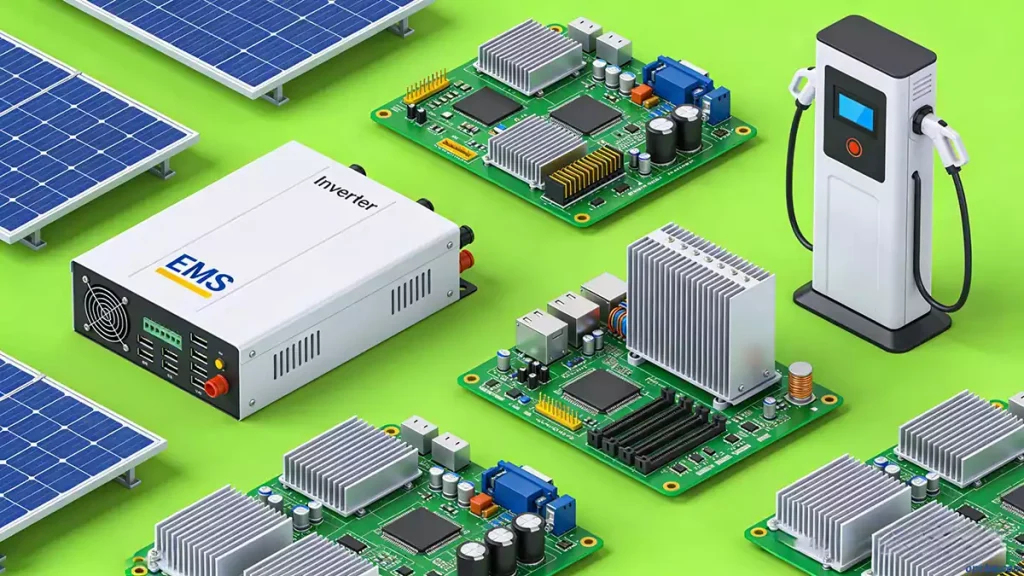
In our daily PCB assembly and maintenance work, we often see new technicians struggle with component identification.
It’s a foundational skill—after all, PCBs are the backbone of electronic devices, providing mechanical support, electrical connections, and clear markings for assembly, inspection, and repairs.
PCB components identification starts with understanding the PCB’s basic structure and the markings that guide you.
Let’s break this down into practical, easy-to-follow steps, no textbook jargon required.
PCB Core Components You Need to Know
A PCB is made up of several key elements, each with a specific purpose. We’ll skip the overly technical definitions and focus on what you actually need to recognize:
- Pads: Copper foil areas where components or leads are soldered. They hold components in place during reflow or wave soldering, ensuring a secure electrical connection.
- Conductors (Wires): Thin copper paths that connect different components, carrying electrical signals across the board.
- Silkscreen: Often called “white oil,” this is the printed text/graphics that labels component names, positions, and directions.You’ll also find product models, versions, manufacturer logos, and production batch numbers here—critical for tracking and maintenance.
- Insulating Varnish: Most commonly green oil (though other colors exist), it insulates the board, prevents solder bridging, and protects against surface contamination.
- VIA Holes: Small metal-plated or filled holes that connect wires on both sides of the PCB (also called through-holes for connectivity).
- Component Through-Holes: Separate from VIA holes, these are used to insert and mount through-hole components (THC)—we often see new techs mix up these two hole types.
- Positioning Holes: Used to secure the PCB inside electronic devices, ensuring it stays aligned during operation.
Reading PCB Component Symbols
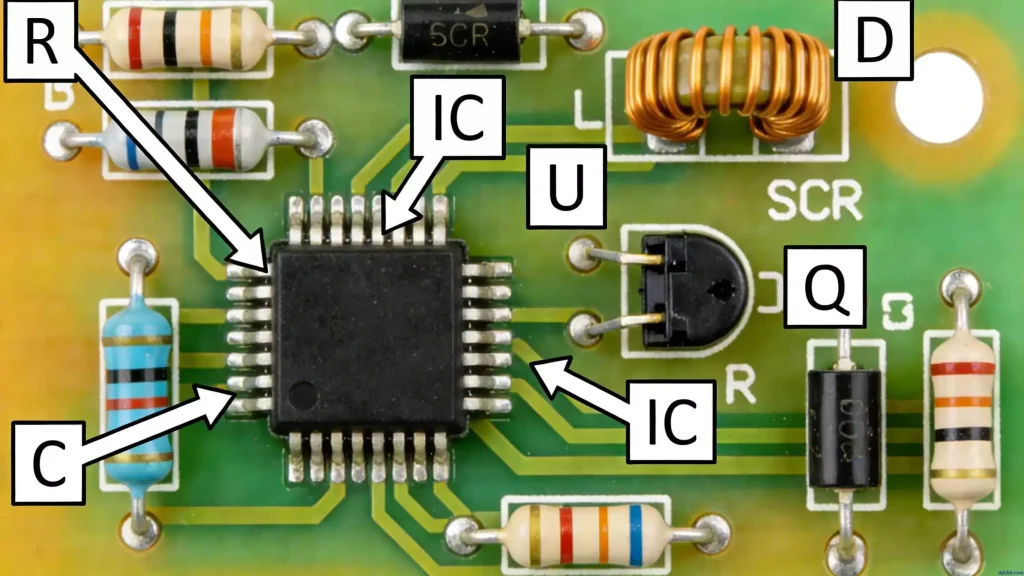
PCB component symbols are standardized abbreviations and visual cues that tell you what each component is. Here’s what you’ll actually encounter on most boards:
- R: Resistors (no visual distinction from symbols, but their size and shape vary by power rating).
- L: Inductors (usually a coil wrapped around a core or ring; some have a closed shell for shielding).
- C: Capacitors—tall, cylindrical ones with a cross indentation on top are electrolytic; flat, small ones are chip capacitors.
- UR: Silicon-controlled rectifiers (SCRs).
- VC/UF/UC/UI: Power-related components (control circuit rectifiers, inverters, converters).
- M (MA/MS/MD/MW/MC): Motors (asynchronous, synchronous, DC, wound rotor, squirrel cage).
- YM/YV: Valves (motorized, solenoid).
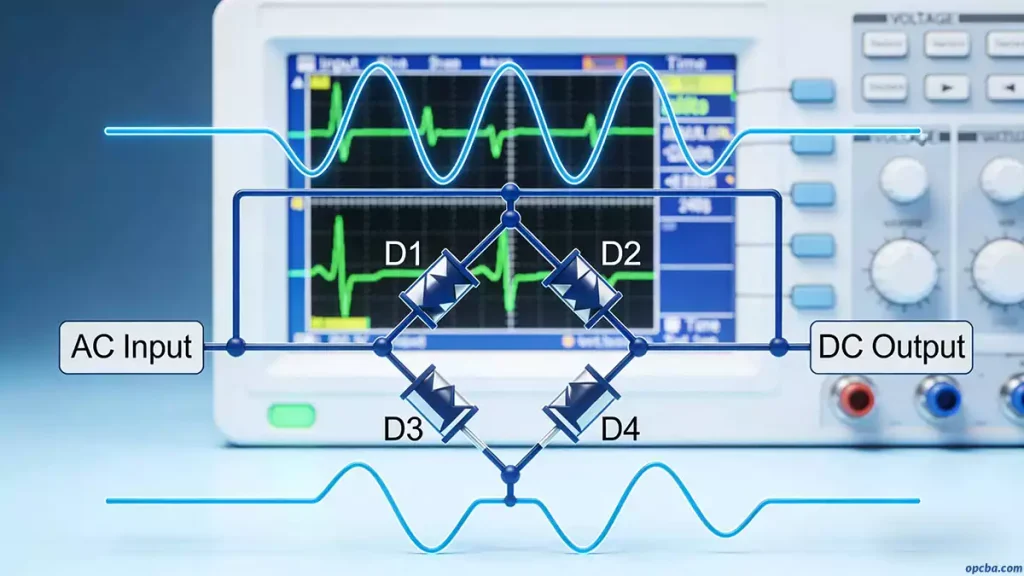
A quick rule of thumb: two-legged components are usually diodes, three-legged ones are transistors, and components with many legs (10+) are integrated circuits (ICs). This shortcut saves time during quick inspections.
BOM Reading: A Key Part of PCB Components Identification
BOM reading for PCB assembly is non-negotiable—you can’t correctly identify components without it.
A BOM (Bill of Materials) is a critical document that connects design, purchasing, and production teams.
Purchasers use it to buy components; production teams use it to know how many parts to install and where. For technicians, it’s your roadmap to accurate component identification.
To see how component identification fits into the full assembly workflow, check our Lead-Free PCBA Processing: Step-by-Step Guide.
Here’s what to focus on when reading a BOM (we’ve learned these tips from years of correcting assembly mistakes):
- Note the product model and version (e.g., VA-391 V3.2)—different versions often have component changes.
- Distinguish SMC/SMD vs. THC components:
- SMT materials will have terms like “SMD, 0603, 0805, 1206, Chip, QFP, BGA, SO” in the description.
- Through-hole components (THC) usually have “DIP” listed—though electrolytic capacitors are almost always DIP-type, and the BOM often omits “DIP” (a common oversight we see).
- Use component descriptions to confirm type:
- “Chip CAP 0.01F 50V +80%-20% SMD 0603” = chip ceramic capacitor, 0.01μF, 50V, ±80/-20% tolerance, 0603 SMD size.
- “Chip Resister 10 OHM 1/10W 5% 0603” = 10Ω chip resistor, 0.1W, 5% tolerance, 0603 specification.
- “Chipset Sis6326 H0 208-Pin PQFP” = SIS 6326 chipset (version H0), 208 pins, PQFP package.
Mastering PCB components identification takes practice, but focusing on these basics—PCB structure, symbols, and BOM reading—will get you there faster.
At OPCBA, we train our technicians on these exact steps to ensure accuracy in every assembly. If you need guidance for your PCB projects, reach out to our team for support.