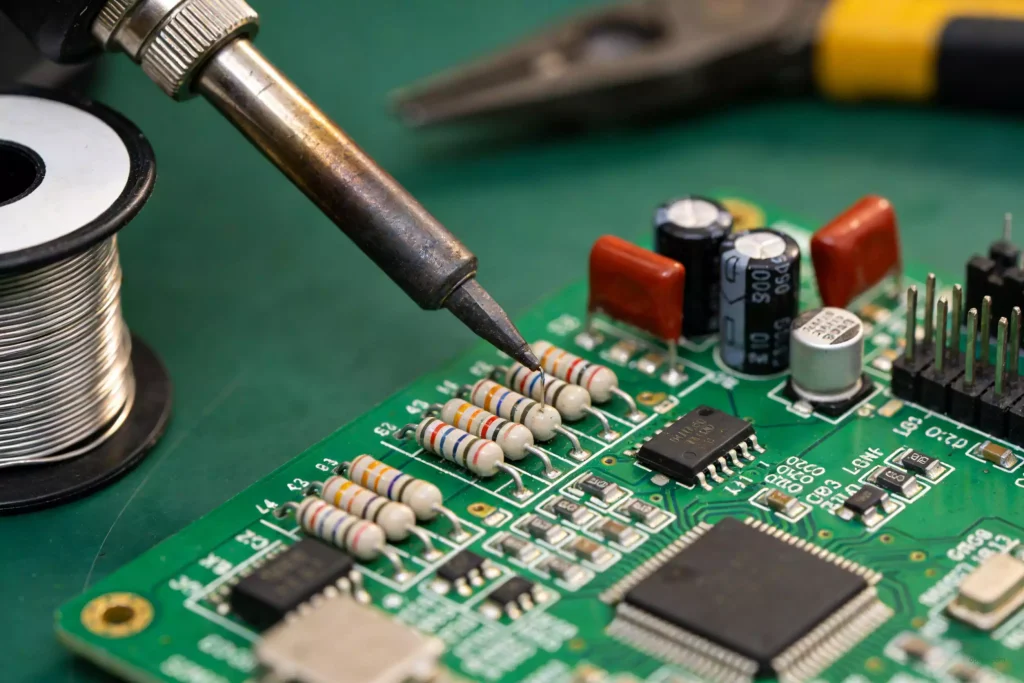
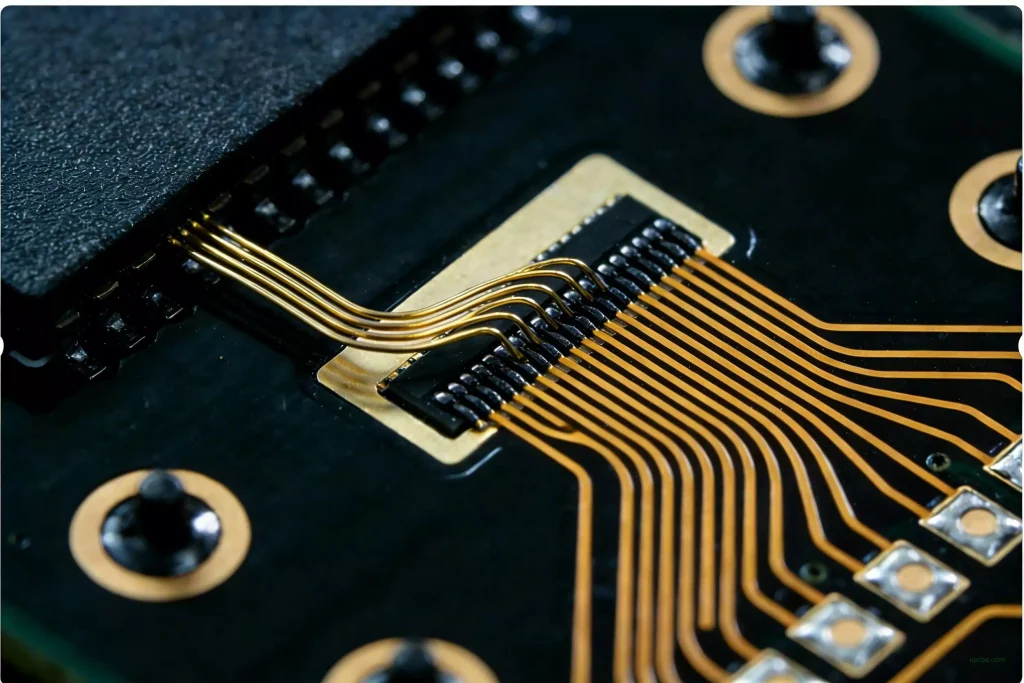
This article provides a comprehensive overview of keyboard PCB technology, covering different types of keyboard PCBs, key design considerations, manufacturing methods, material selection, and the components required to build reliable and powerful keyboard PCBs tailored to specific application needs. It aims to equip design engineers with in-depth knowledge to effectively integrate keyboard PCB technology into electronic products.
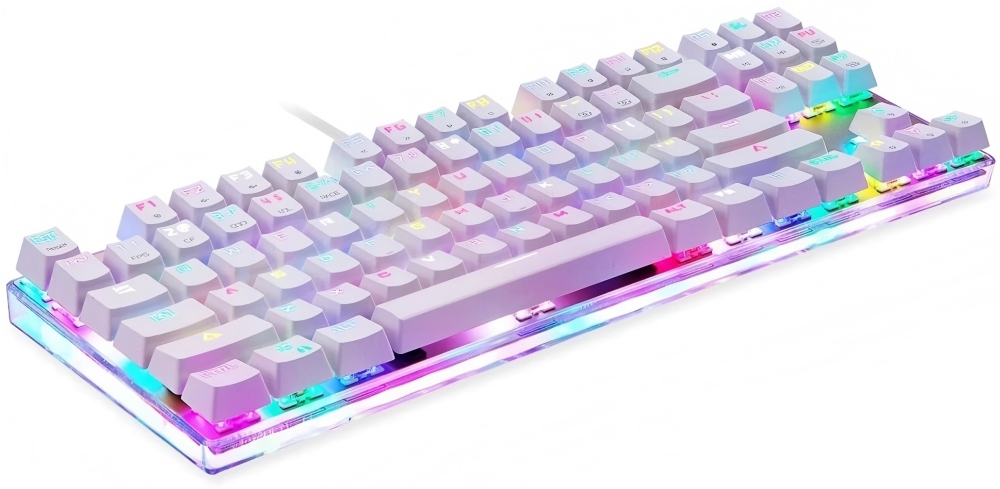
What is a Keyboard PCB?
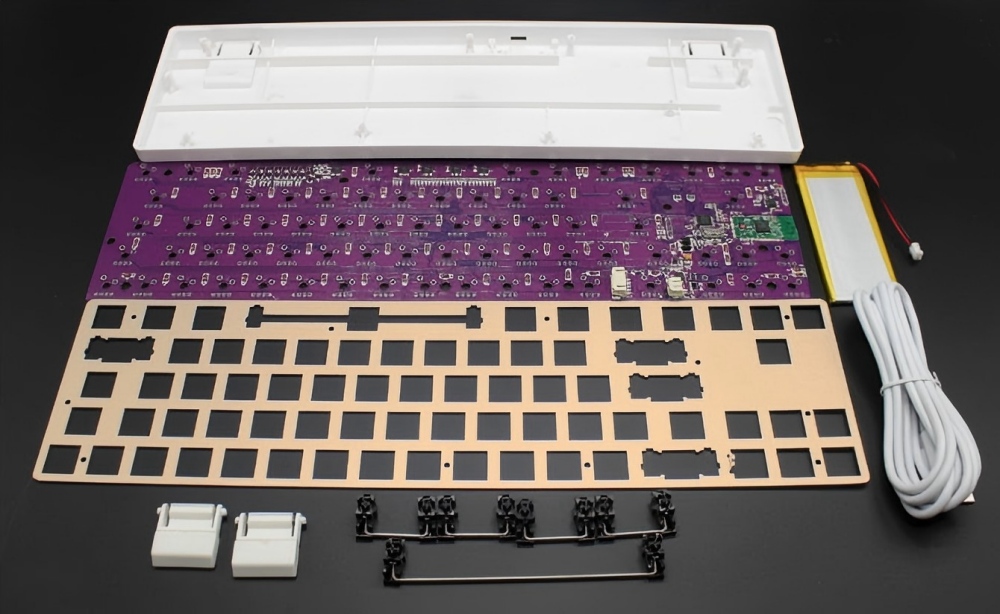
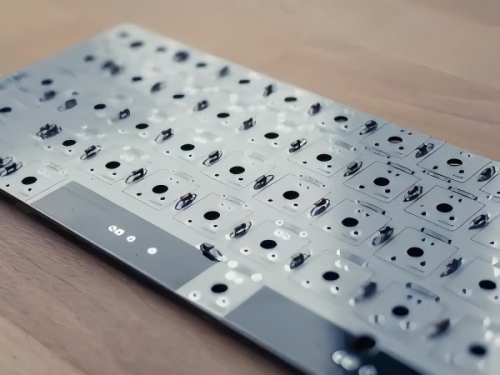
A keyboard PCB refers to the printed circuit board assembly that serves as the foundation for electronic keyboard devices. The PCB houses and interconnects all switches, sensors, microcontrollers, connectors, and other active/passive components that constitute the keyboard system.
When a user presses a key on the keyboard, it triggers the corresponding switch mounted beneath on the PCB. The keyboard’s control electronics detect the switch closure, convert it into the appropriate input signal, and transmit it to the host system connected to the keyboard.
Keyboard PCBs vary significantly in size and layout depending on the keyboard application type and required dimensions. A full-size computer keyboard PCB may house over 100 keys, while a compact mobile keyboard PCB might feature fewer than 40 keys and occupy minimal space.
Types of Keyboard PCBs
1. Hot-swappable PCBs:
These are easily removable and replaceable without the need for soldering or specialized tools. This allows users to conveniently replace key components without technical expertise or specialized equipment.
Hot-swappable PCBs are particularly popular among mechanical keyboard enthusiasts seeking greater customization and flexibility.
2. Soldered PCBs:
These require soldering to install and secure components onto the board. Unlike hot-swappable PCBs, soldered PCBs cannot be easily disassembled or replaced once installed. This means only skilled users with professional equipment can modify components on the keyboard.
Soldered PCBs are typically used for more permanent or high-end keyboard builds. This is because soldered connections are more secure. They are also less likely to loosen compared to connections established using other methods.
Design Considerations:
1. Size and Layout
Keyboard dimensions and key layout must align with ergonomic, form factor, and application requirements.
2. Switch Type
The correct mechanical switch type must be selected to provide the desired tactile feedback, force curve, and audible click.
3. Switch Matrix Layout
Optimal switch matrix routing minimizes ghosting while reducing wiring complexity.
4. Interface
Choose hardwired (PS/2, USB) or wireless (Bluetooth, RF) keyboard interface technology.
5. Backlighting
RGB LED backlighting per key for illumination and aesthetics.
6. On-board Controller
Microcontroller functionality to manage keyboard state, backlighting, macros, etc.
7. EMI Shielding
Includes grounded shielding enclosure and gaskets to reduce electromagnetic interference.
8. Customization
Supports hot-swappable switches, spare keycaps, and user programmability.
Keyboard PCB Components:
1) Microcontroller
This serves as the keyboard’s central processing unit. It manages communication between the keyboard and the computer. The microcontroller processes signals from the key switches and transmits keystrokes to the computer. It can also handle additional functions, such as macro programming, lighting control, and media keys.
2) Diodes
These electronic components prevent “ghosting” by allowing current to flow in only one direction.
3) Resistors
These are passive electronic components that resist the flow of current. They can be used to control signal strength, regulate power, and protect other mechanical keyboard circuit board components.
4) Capacitors
These are passive electronic components that store electrical energy. They can be used to filter signals and stabilize power supplies. They also provide temporary power to components during power fluctuations.
5) Light-Emitting Diodes (LEDs)
These are light-emitting diodes used for key illumination, status indicators, and backlighting.
6) USB Interface
This is the port connecting the keyboard to a computer via a USB cable.
7) Other Components
Additional components potentially present on a keyboard PCB include:
a. Oscillators;
b. Transistors;
c. Switching Matrix; Switch Matrix;
d. Controller;
e. Other passive and active electronic components.
Conclusion:
The keyboard PCB is a critical component in keyboard design and functionality. Understanding the primary types of keyboard PCBs, their associated components, and the design and manufacturing processes is essential for selecting the appropriate keyboard PCB.