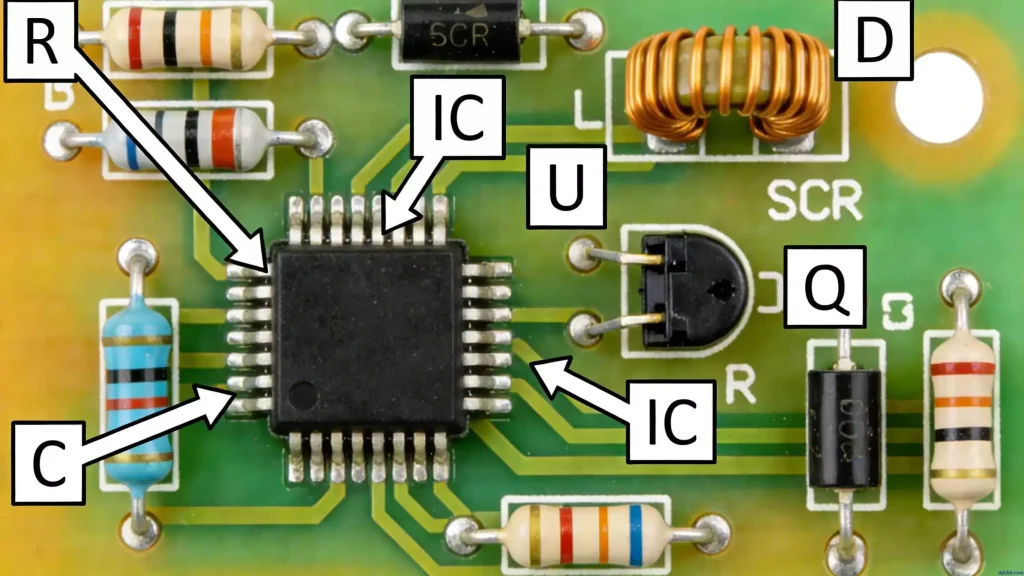
If you’re new to PCB design, you’ve probably asked this question: how many layers are best for my project? PCB design layers can feel overwhelming at first—there are so many types, and no one-size-fits-all answer.
We’ve broken this down the way seasoned designers do: first, what each layer does, then how to pick the right number of layers for your needs. For a detailed breakdown of each layer’s role, functionality, and key differences, check out our guide: PCB Layers Explained: Types, Functions & Differences in Altium Designer. No jargon overload, just practical insights.
First: What Are the Different PCB Layer Types?
Most beginners mix up the layers, but once you link each to its real-world purpose, it clicks. Here’s a breakdown of the layers you’ll actually use in design:
Mechanical Layers
This layer is all about manufacturing—we usually add dimensions, dimension marks, through-hole info, and assembly notes here. It’s what the factory uses to cut the board to size and assemble components correctly.
Keep Out Layer
Think of this as a “no-go” zone. You draw a closed area here, and the design tool won’t let you place components or route wires outside of it. It’s a simple way to avoid layout mistakes.
Silkscreen Layers
Silkscreen is the text and symbols you see on the PCB’s surface—purely for annotation. There are two main ones: Top Overlay and Bottom Overlay.
Top Overlay marks component outlines, labels, and values. The Bottom Overlay does the same, but most designs only need the top one—no need to clutter the bottom unless it’s necessary.
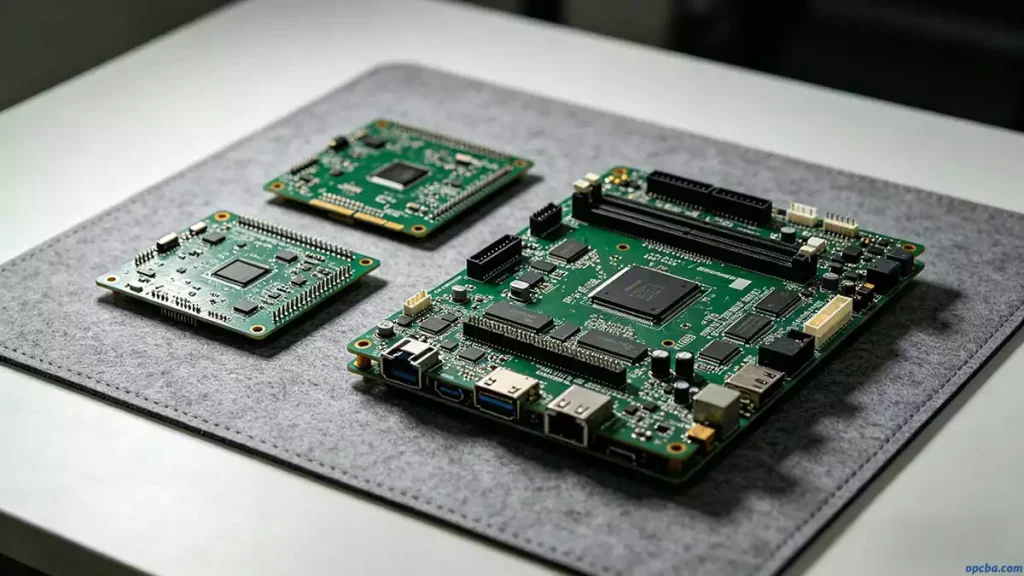
Solder Mask
This is the green (or sometimes black) coating on PCBs. It uses negative film output, so the areas you draw on this layer end up exposing the copper—where you’ll solder components later.
Multi Layer
This is an abstract layer, not a physical one. Pads and through-hole vias need to go through the entire board, so we set them on Multi Layer. Close this layer, and your vias and pads won’t show up—we’ve all made that mistake once.
Drill Layer
This layer tells the factory where to drill holes—for pads, through-holes, or mounting points. It’s straightforward but critical; a wrong drill location ruins the whole board.
Signal Layers
These are where the electrical signals travel. The main ones are Top Layer, Bottom Layer, and Mid-Layers.
Top Layer (component layer) holds most components; you can also route wires here. Bottom Layer (solder layer) is for wiring and soldering—double-layer and multilayer PCB designs can place components here too.
Mid-Layers (up to 30) are for signal lines only—no power or ground. They’re only used in more complex multilayer PCB designs.
Internal Planes
These are internal electrical layers, only found in multilayer boards. When we talk about a PCB’s layer count, we’re usually adding signal layers and internal planes together. They connect to other layers via through-holes, blind holes, or buried holes.
So, How Many Layers Are Best for PCB Design?
Here’s the truth: there’s no “best” number. It all comes down to your circuit’s complexity—something we weigh every time we start a new design.
The key factors are the number of pins on your core components and how hard it is to layout those components. A simple circuit might only need a single layer; a dense, high-speed design could need 4, 6, or more layers.
In practice, most hobbyists and small projects use single or double-layer boards. Multilayer boards are for when you need more signal routing space or better noise control for specialized high-heat applications, Aluminum PCB is a common choice for complex multilayer designs.